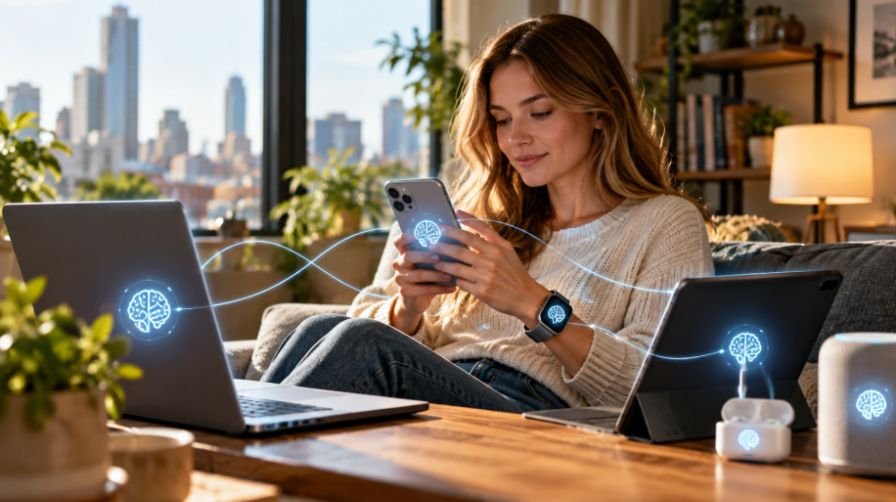

Technology can make daily life easier, but only when it feels simple enough to use. I know many older adults do not want a house full of confusing gadgets or apps they will never open. What they really need are practical tools that help them call family, read messages, remember medication, stay safe online, and move around the house with more confidence.
That is why easy tech tips for seniors at home should focus on comfort, safety, and independence before anything else.
The best part is that most improvements do not require expensive devices. A few setting changes, a cleaner phone screen, safer password habits, and simple smart home tools can make technology feel less stressful and more helpful.
Why Simple Technology Matters for Seniors at Home
Technology for seniors should solve everyday problems. A phone can become an emergency contact tool. A tablet can make reading and video calls easier. A smart speaker can set reminders without anyone needing to type. A video doorbell can help someone see who is outside before opening the door.
For many older adults in the U.S., these tools also support aging in place. Staying at home safely often depends on better communication, fewer fall risks, reliable reminders, and quick access to help. I always recommend starting with one useful change instead of trying to learn everything at once.
Optimize Phone and Tablet Settings First
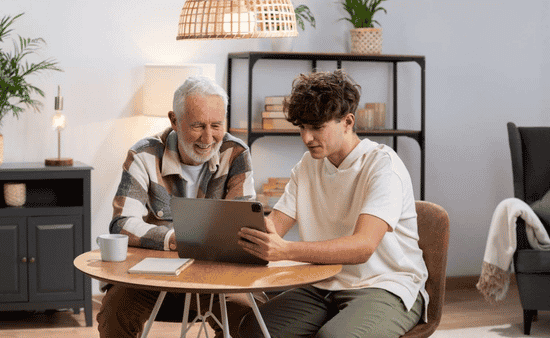
Before buying new devices, start with the phone or tablet already in the home. Open Settings and look for Display or Accessibility. Increase the font size so text messages, emails, contacts, and web pages are easier to read. If the device has a font slider, move it up until the screen feels comfortable.
Next, turn on Bold Text or increase contrast. This helps letters stand out more clearly against the background. Seniors with low vision may also benefit from spoken cues, screen readers, or text-to-speech tools that read messages and on-screen content aloud.
A clean home screen can also reduce confusion. Remove unused apps from the main screen and keep only the most important ones visible, such as Phone, Messages, Camera, Weather, Calendar, WhatsApp, and a video calling app. If a senior uses only a few apps daily, those apps should be easy to find without swiping through several screens.
Make Calls and Messages Easier to Use
Communication is one of the biggest reasons seniors use technology. Add close family members, doctors, neighbors, and trusted contacts to Favorites. When possible, add contact photos so names and faces are easier to recognize.
Some phones also allow contact shortcuts or widgets on the home screen. This lets a senior call a loved one with one tap instead of opening the contact list and searching. For someone who lives alone, that small shortcut can make the phone feel much more useful.
It also helps to fill out the phone’s address book carefully. When known callers have names and photos attached, unknown spam numbers become easier to spot. This simple step improves both convenience and safety.
Use Voice Assistants for Daily Routines
Voice assistants can be the easiest smart home tools for older adults. Devices such as Amazon Echo, Google Nest Hub, or phone-based assistants like Siri and Google Assistant can answer simple questions, set timers, play music, read the weather, and create reminders.
A senior can say, “Remind me to take my medicine at 8 AM,” “Call my son,” or “Play an audiobook.” This is especially helpful for anyone who has trouble typing, reading small screens, or remembering daily tasks.
Voice assistants also work well in kitchens and bedrooms. They can set cooking timers, remind someone about appointments, or provide hands-free help when the phone is not nearby.
Create a Safer Smart Home Setup
Smart home devices for seniors should be practical, not complicated. Smart lighting is a good place to start. Bluetooth-enabled lightbulbs, smart plugs, and motion-activated nightlights can make hallways, bathrooms, and bedrooms safer at night. Good lighting can reduce the chance of tripping when someone gets up in the dark.
A video doorbell can also improve home security. It lets seniors see visitors before opening the door and can help family members monitor suspicious activity if needed. Smart plugs can make lamps easier to control without bending or walking across the room.
A simple charging hub is another underrated improvement. Place a dedicated charging dock on a bedside table or kitchen counter. Magnetic charging cables can make charging easier for anyone who struggles with tiny cords or stiff hands.
Practice Online Safety Every Day
Online safety for seniors is just as important as device setup. Scammers often use fake emails, unknown links, text messages, tech-support pop-ups, delivery alerts, and urgent bank warnings to trick people. The safest habit is simple: do not tap links or download attachments from unknown senders.
If a message says there is a problem with a bank account, Medicare information, package delivery, or online order, go directly to the official website or call a trusted number. Never share passwords, Social Security numbers, banking details, Medicare information, or one-time verification codes with someone who calls unexpectedly.
Biometrics can also make devices safer and easier to unlock. Fingerprint scanning and facial recognition help seniors avoid typing long passwords every time. For important accounts, two-factor authentication adds extra protection.
Passwords should be organized safely. A password manager is useful for some people, but a physical password notebook stored securely at home can work better for seniors who prefer paper. The key is to avoid using the same password for every account.
Be Careful With Social Media and Travel Posts
Social media helps seniors stay connected, but it should be used carefully. Avoid posting vacation photos while the house is empty. It is safer to share travel pictures after returning home. This protects privacy and reduces the risk of letting strangers know no one is home.
Seniors should also avoid accepting friend requests from unknown people. Romance scams, fake charity messages, and fake investment opportunities often begin with friendly online conversations. A good rule is to talk to a trusted family member before sending money or sharing personal details online.
Use Telehealth and Health Reminders
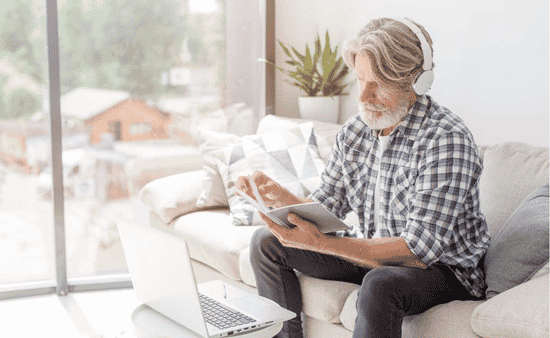
Telehealth can help seniors attend medical follow-ups from home, especially for routine questions or prescription discussions. Before an appointment, test the camera, microphone, Wi-Fi, and video link. Keep the phone or tablet charged and write down questions in advance.
Medication reminders are also useful. Calendar alerts, reminder apps, smart speakers, and digital pill dispensers can all help. Seniors do not need a complex health system. Even one daily reminder can make routines easier to manage.
How Family Members Can Help Without Taking Over
When I help seniors with technology, I try to move slowly and explain one task at a time. Family members should not grab the phone and finish everything too quickly. Let the senior tap, type, swipe, and practice.
Printed instructions can help a lot. Write down steps for common tasks such as making a video call, checking voicemail, joining a telehealth appointment, charging the phone, or turning on a smart light. Keep the instructions near the device.
It also helps to use the same words every time. Saying “tap” one day and “press” the next can confuse beginners. Calm, repeated guidance builds confidence.
Where Seniors Can Get Free or Low-Cost Tech Help
Many libraries, senior centers, community colleges, and nonprofit programs offer beginner-friendly technology help. Seniors can often find classes on smartphones, email, online safety, video calls, and tablets. Programs such as Senior Planet, Cyber-Seniors, and local community workshops can also help older adults learn at a comfortable pace.
This kind of support matters because easy tech tips for seniors at home work best when seniors can practice without pressure. Learning with others at the same level can make technology feel less intimidating.
Frequently Asked Questions (FAQs)
1. What is the easiest technology for seniors to use at home?
A smartphone with large text, favorite contacts, voice commands, and simple apps is usually the easiest starting point.
2. How can seniors make their phones easier to read?
They can increase font size, turn on bold text, raise contrast, adjust brightness, and use text-to-speech features.
3. What smart home devices are best for seniors?
Smart speakers, motion nightlights, video doorbells, smart plugs, medication reminders, and medical alert devices are useful options.
4. How can seniors stay safe from online scams?
They should ignore unknown links, avoid sharing private information, use strong passwords, turn on biometrics, and verify messages through official sources.
Final Thoughts
I believe technology should make life easier, not more confusing. Seniors do not need every new device on the market. They need clear settings, safe habits, simple communication tools, stronger internet access, and home technology that solves real problems.
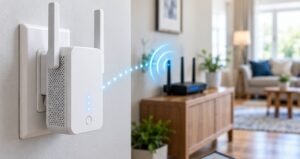
Start with the phone, make the screen easier to read, set up trusted contacts, add smart lighting, organize passwords, practice online safety, and learn how to improve wifi signal upstairs for better connection throughout the home. With the right approach, easy tech tips for seniors at home can support comfort, confidence, and independence every day.