I have been in that exact situation where I needed groceries fast, but I did not know which store was closest, open, affordable, or easiest to reach. Maybe you are in a new neighborhood, traveling, moving into an apartment, or simply trying to save time after work. The good news is that finding a nearby grocery store is easier than ever when you know which tools to use.
If you want to navigate to the closest grocery store here’s how to do it without wasting time: open a maps app, search for “grocery store near me,” check the hours, compare ratings, choose your travel mode, and start directions. But the best result is not always the nearest dot on the map. You should also check traffic, parking, reviews, product availability, and whether the store offers pickup or delivery.
Quick Answer: The Fastest Way to Find a Nearby Grocery Store
The simplest method is to use Google Maps or Apple Maps. Turn on location access, type “grocery store near me,” and look for nearby results that are open now. Tap the store, check the distance, hours, ratings, and route options, then select Directions.
This works well for major grocery chains like Walmart, Kroger, Aldi, Target, Costco, Publix, Safeway, Whole Foods, Trader Joe’s, Wegmans, H-E-B, and local supermarkets. If you need a specific item, it is smarter to check the store website or app before driving there.
How to Navigate Using Google Maps
Google Maps is usually the best option because it shows distance, live traffic, store hours, reviews, photos, busy times, and multiple route choices.
Open Google Maps on your phone. In the search bar, type “grocery store near me” or “supermarket near me.” You can also search for a specific store name if you already know where you prefer to shop. Once the results appear, tap “Open now” if you need a store immediately.
Before starting the route, look at the store’s rating, recent reviews, closing time, and estimated travel time. A store that is five minutes farther away may be a better choice if it has better parking, shorter lines, or more reliable stock.
How to Find a Grocery Store on iPhone With Apple Maps
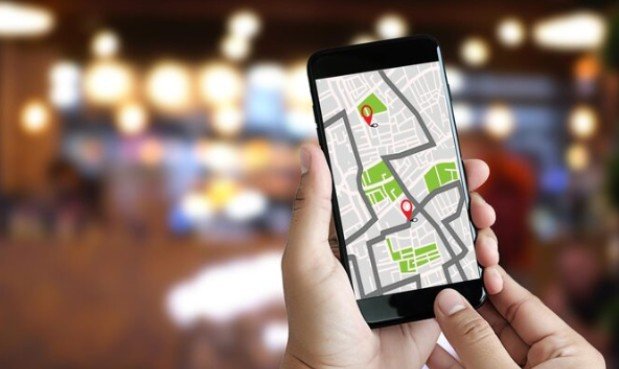
Apple Maps works well for iPhone users who want a clean and direct navigation experience. Open Apple Maps, tap the search bar, and enter “grocery store near me.” You can filter nearby options based on distance, hours, and rating.
Tap the store that looks best, then choose driving, walking, public transport, or cycling directions. Apple Maps also works smoothly by using Siri with new updates, so you can say, “Hey Siri, find the nearest grocery store,” and it will show nearby options.
This is helpful when you are driving and do not want to type. Always glance at store hours before leaving, especially late at night or during holidays.
Use Siri or Google Assistant for Hands-Free Directions
Voice search is one of the fastest ways to get directions when your hands are busy. On Android, say, “Hey Google, navigate to the nearest grocery store.” On iPhone, say, “Hey Siri, take me to the nearest grocery store.”
This is useful while driving, carrying bags, cooking, or helping kids get ready. The assistant will usually choose a nearby store and open navigation automatically. Still, it is worth checking the result before you start because the closest store may not be the best one.
If the first result looks wrong, say the name of a store you trust, such as “navigate to the nearest Walmart grocery” or “find the closest Aldi.”
When Waze Is a Better Choice
Waze is helpful when traffic matters more than store comparison. If you already know which grocery store you want to visit, Waze can help you avoid traffic, road closures, accidents, and police reports.
For example, a nearby store may look only ten minutes away on a regular map, but Waze may show that the route is delayed because of construction or heavy traffic. In busy cities and suburbs, that real-time road information can save time.
Use Google Maps or Apple Maps to compare stores. Use Waze when you mainly care about the fastest driving route, just like you would compare options carefully to make your wife feel nice with these gifts when choosing something thoughtful.
How to Find a Grocery Store That Is Open Now
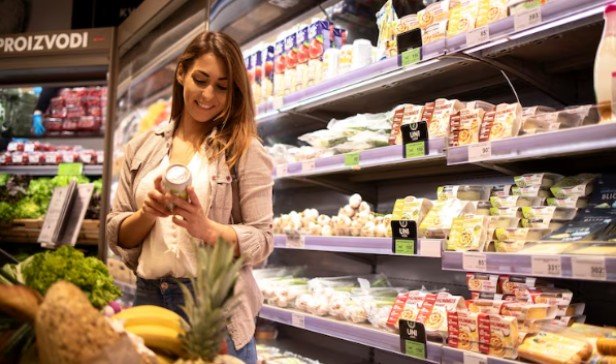
Searching for the closest store is not enough if the store is closed. Use the “Open now” filter in Google Maps, Apple Maps, or Yelp. Also check holiday hours, because map listings can sometimes be outdated.
If it is late, search for “24 hour grocery store near me” or “grocery store open now.” Convenience stores, pharmacy chains, and supercenters may be better options when traditional supermarkets are closed.
You can also check the store’s official website, especially for large chains. This helps you confirm hours, pharmacy access, pickup windows, and whether certain departments close earlier than the main store.
How to Choose the Best Store, Not Just the Closest
The nearest grocery store may not always be the smartest choice. Before tapping Directions, check a few details. Look at customer reviews to see if shoppers mention long checkout lines, poor produce quality, limited parking, or high prices.
Check photos if you are visiting a store for the first time. Look at busy times to avoid crowded hours. If you are buying weekly groceries, a slightly farther store with better prices may be worth the extra drive.
For families, parking and cart availability matter. For quick trips, self-checkout and store layout matter. For budget shopping, compare chains known for lower prices. For organic or specialty foods, stores like Whole Foods, Trader Joe’s, Sprouts, or local markets may be more useful.
Grocery Pickup and Delivery Can Save the Trip
Sometimes the best way to navigate to a grocery store is not to go at all. Many stores now offer curbside pickup, same-day delivery, and scheduled grocery orders through their own apps or third-party services.
Pickup is a strong option when you want to avoid impulse buying, long lines, or crowded aisles. Delivery is useful during bad weather, busy workdays, illness, or family schedules. Before ordering, compare fees, minimum order values, delivery windows, substitutions, and tipping expectations.
If you use SNAP or EBT, check whether your preferred grocery store supports online payment or pickup options in your area. Availability can vary by store and location.
What to Do If Maps Shows the Wrong Location
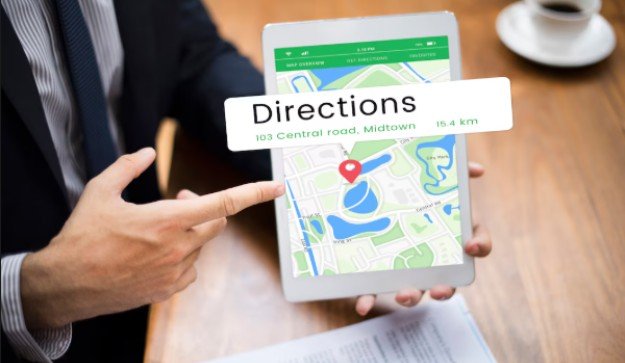
Sometimes maps are wrong. If the route takes you to an empty lot, closed store, or wrong entrance, check the store’s official website and compare the address. You can also search the store name directly instead of using a broad “near me” search.
If the Global Positioning System is not working, turn location services off and on again, restart the app, switch from Wi-Fi to mobile data, or manually enter your current address. In shopping centers, navigation may guide you to the complex rather than the exact storefront, so use signs and parking lot entrances once you arrive.
If you are walking, choose pedestrian directions instead of driving directions. If you are taking public transport, confirm the route schedule before leaving.
Smart Tips Before You Leave
Before heading out, make a short grocery list. This helps you avoid extra trips and overspending. Check whether the store has the items you need, especially if you are buying baby formula, medication, specialty ingredients, pet food, or holiday items.
Look at traffic before you start. A nearby store may take longer to reach during rush hour. If you are driving, check whether the store has parking. If you are walking at night, choose a well-lit route and a store in a safe, familiar area.
You can also save your favorite grocery stores in Google Maps or Apple Maps. That way, next time you need directions, you will not have to search from scratch.
Frequently Asked Questions
1. What does want to navigate to the closest grocery store here’s how mean?
It means you want simple directions to the nearest grocery store using tools like Google Maps, Apple Maps, Siri, Google Assistant, or Waze.
2. How do I find the nearest grocery store open now?
Open Google Maps or Apple Maps, search “grocery store near me,” and apply the “Open now” filter before choosing a route.
3. Is Google Maps or Apple Maps better for grocery store directions?
Google Maps is better for reviews, busy times, and store details, while Apple Maps is simple and convenient for iPhone users.
4. Can I use voice search to find a grocery store?
Yes, you can say “Hey Google, navigate to the nearest grocery store” or “Hey Siri, find the nearest grocery store.”
Final Thoughts
I always prefer checking more than distance before choosing a grocery store. A nearby store is helpful, but an open, well-rated, easy-to-reach store is even better. When I compare hours, traffic, reviews, parking, and pickup options, the trip becomes faster and less stressful.
If you want to navigate to the closest grocery store here’s how to make the smartest choice: use maps for directions, filters for open stores, reviews for quality, and store apps for availability. A few quick checks before leaving can save time, money, and frustration.